Before you buy
Kids Digital Video Camera buying guide
Choose the right camera setup for the shot
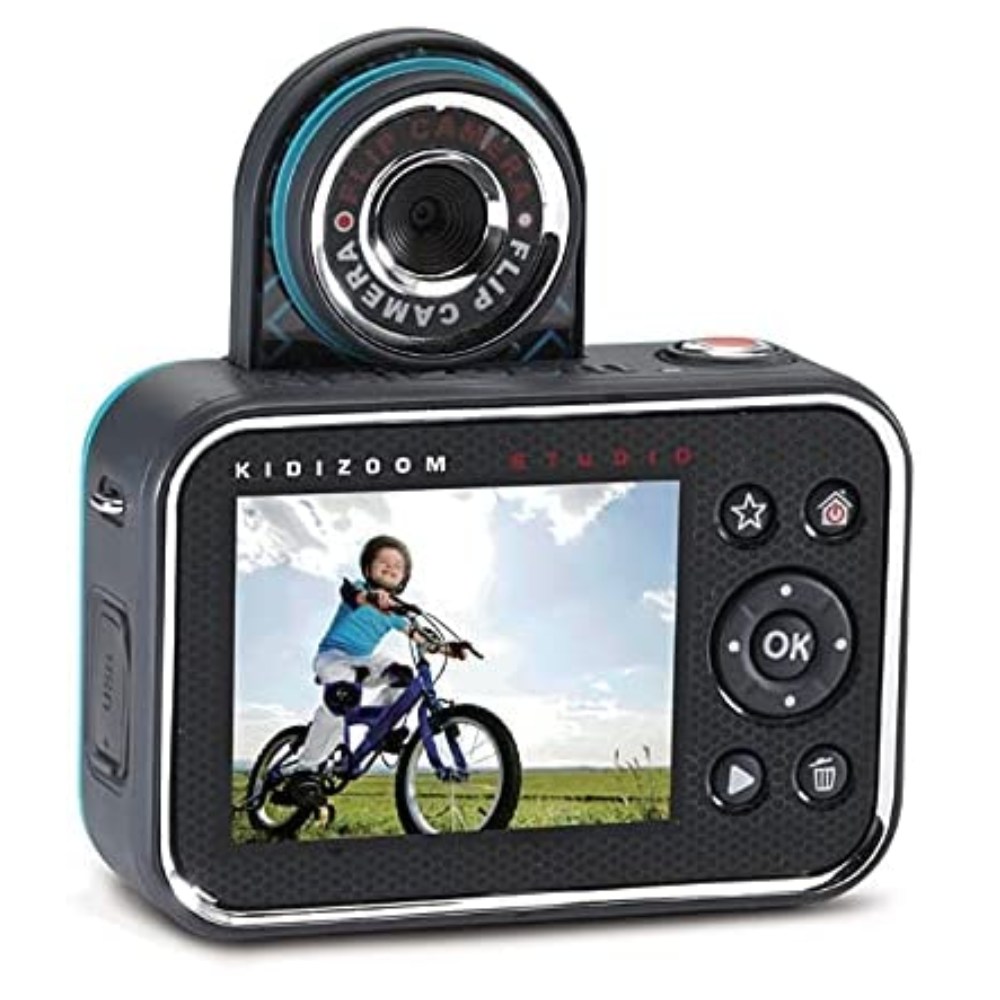
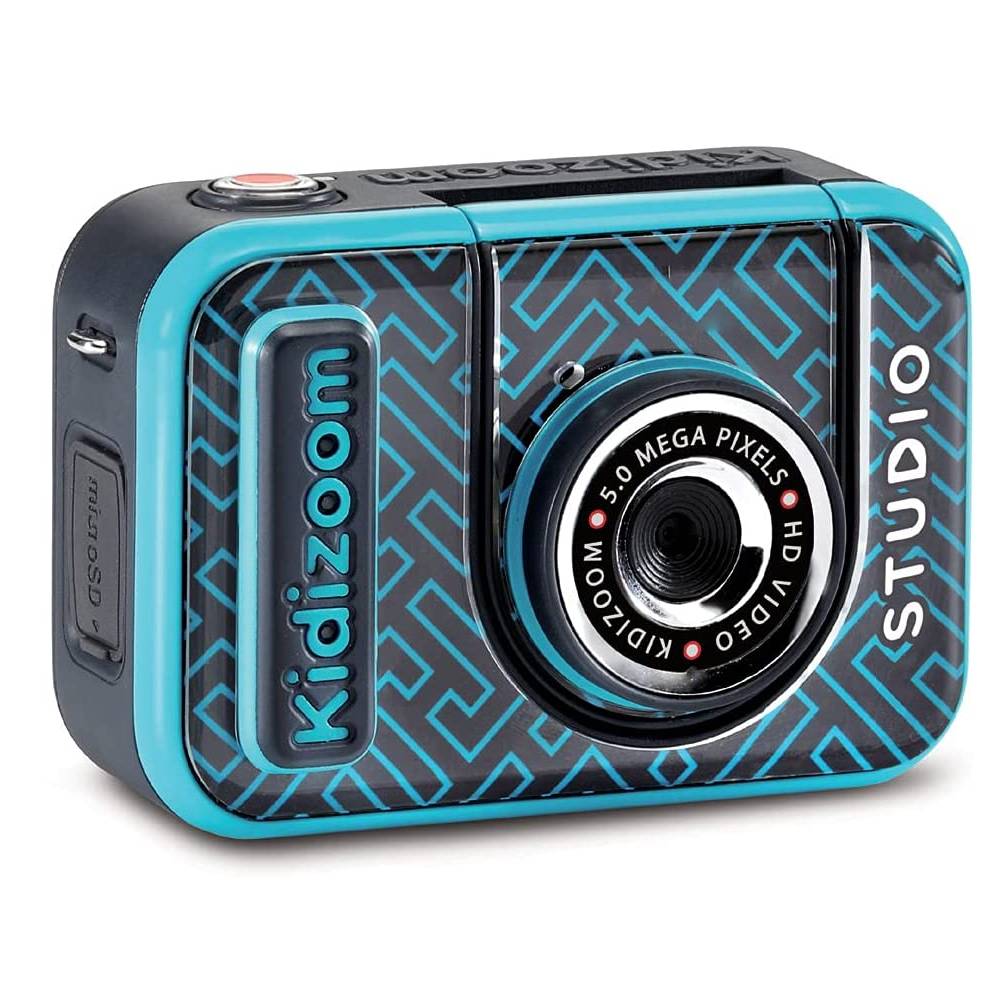
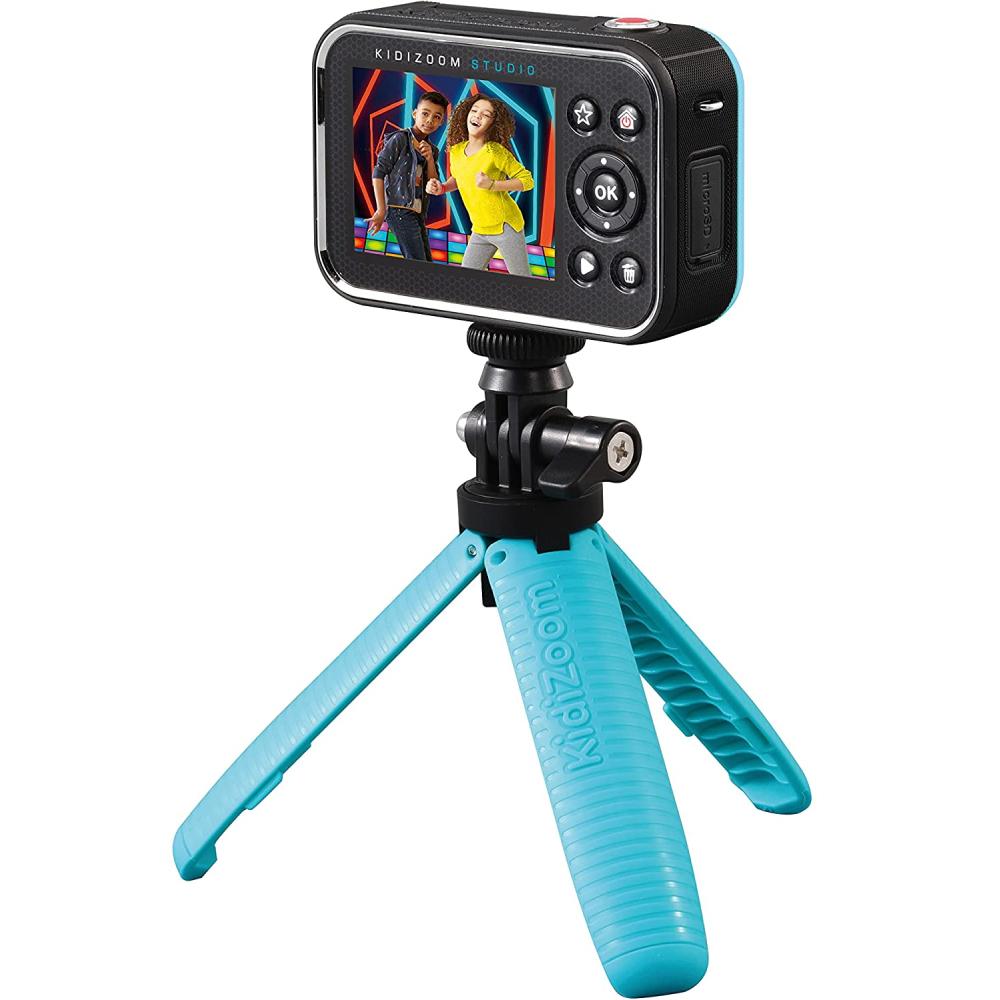
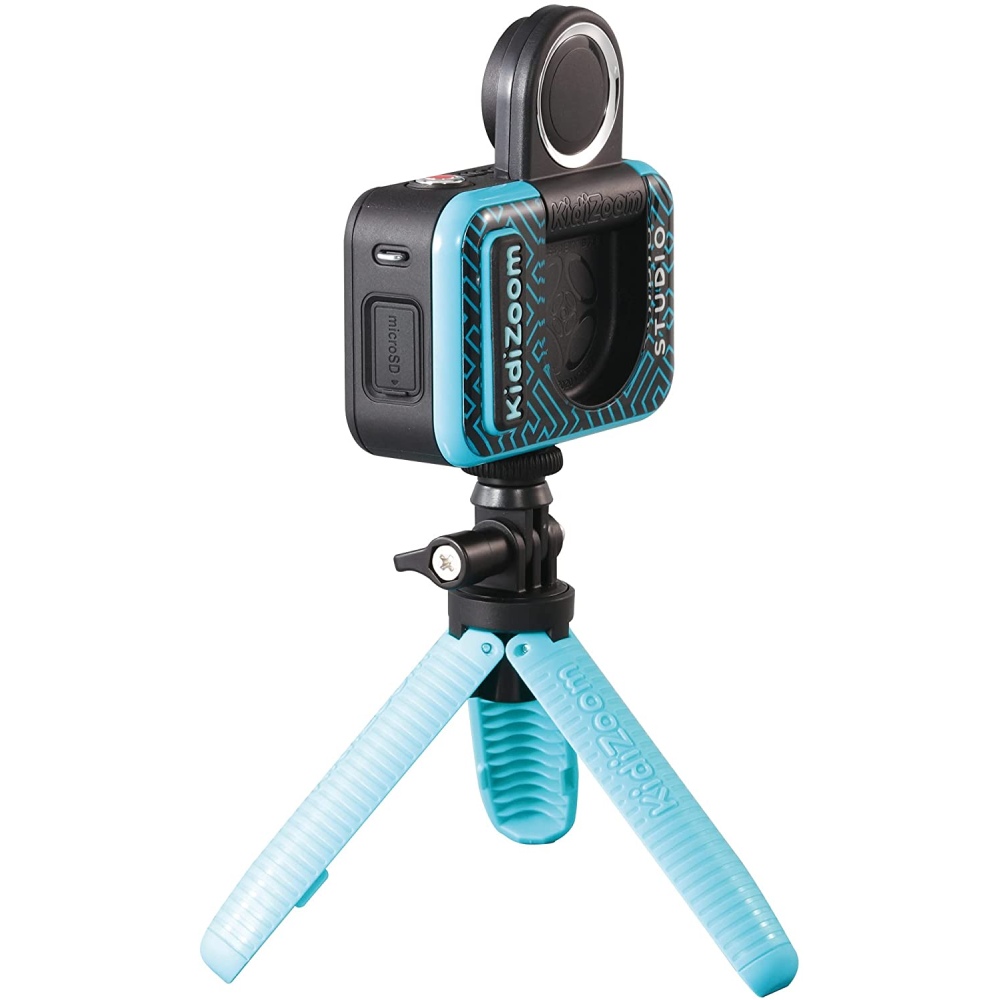
For a stationary recording, use the included support in its tripod configuration and place it on a level surface. For a moving shot, compare that with the handheld selfie stick configuration. The gallery shows the rear screen and how the camera sits on the support. Check the supplied setup instructions before switching between them.
Plan a green-screen scene
The kit includes green-screen fabric. Choose a location with room for the backdrop, camera and subject. Start with a short practice clip and check the result on the camera. The video demonstrates features using the red camera, while the gallery shows the blue camera offered on this page.
Check the accessories and recording requirements
A microphone, USB cable and wrist strap are included along with the fabric and convertible support. Confirm recording formats, storage requirements and computer compatibility before buying if you plan to transfer or edit footage. Ask us for the manual if you need a particular resolution, connector or charging specification.